Live Sports & Events
Best Streaming Services for Sports: A Buyer's Guide
- Date
- Not recorded
- Broadcast window
- Not recorded
- Platform
- Not recorded
- Region restriction
- No restriction noted
Last-verified date not yet recorded for this event.
Best Streaming Services for Sports: A No-Nonsense Buyer's Guide
Picking a sports streaming service used to mean one question: cable or no cable. Now it means five or six questions — which leagues, which local teams, how many screens, how much DVR, and how much you're willing to pay for all of it. Prices and channel lineups on these services shift often enough that a "best" list written in January can be stale by football season.
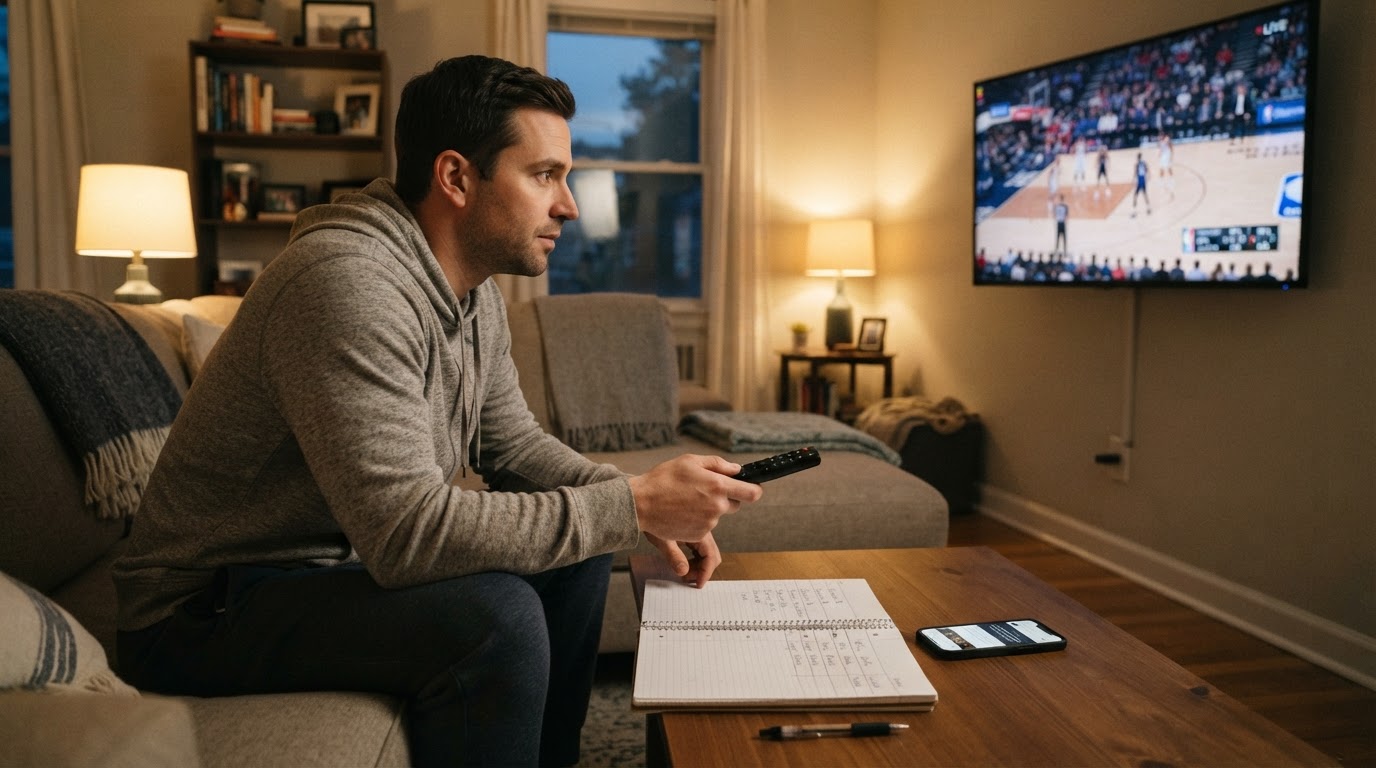
So instead of just handing you a ranked top five, this guide walks through the criteria that actually determine fit, breaks down what each major service is built for, and gives you a repeatable way to decide — whether you're a football-only viewer, a multi-league completionist, or someone who just wants the game without the $200 cable bill.
What actually separates these services
Every sports streaming comparison boils down to the same five variables. Weigh them in this order based on what you'd genuinely miss if it were gone:
- League and event coverage. Does it carry the specific leagues, teams, and marquee events you watch — not just "sports" in general?
- Local and regional coverage. Local broadcast affiliates (for NFL Sunday afternoon games, local college teams) and regional sports networks (RSNs, for most MLB/NBA/NHL regular-season games) are the single biggest gap between services. Availability depends on your ZIP code, not just the plan you pick.
- Live performance and device support. Multiview, stats overlays, and reliable streams during high-traffic moments (a missed two-minute drill because of buffering is its own kind of expensive).
- Price structure. A monthly live-TV bundle, a standalone league app, and an add-on tier are three different financial commitments even when the headline number looks similar.
- Contract flexibility. Nearly all of these are month-to-month, which matters if your sport is seasonal — no reason to pay for an NFL-heavy bundle in May.
The main contenders and what they cover
YouTube TV is the closest thing to a full cable replacement built for sports households. Its standard plan runs about $82.99 a month (frequently discounted for new subscribers), bundling 100+ channels including ESPN, NFL Network, TNT, and TBS alongside the big broadcast networks — NBC, CBS, FOX, and ABC — for local and network sports coverage. It also offers a dedicated Sports Plan, priced lower than the full bundle, with 30+ channels focused specifically on sports plus locals. Multiview lets you watch up to four games at once across mobile, tablet, and TV, and DVR recordings are unlimited and kept for nine months. NFL Sunday Ticket is available as an add-on for out-of-market Sunday games, though it excludes digital-only matchups.
Fubo built its brand around sports first, entertainment second. It's known for deep regional sports network coverage in many markets and 4K support for select events — useful if your must-watch team plays outside the national broadcast window. Because RSN carriage and pricing on Fubo shift with market and season, check your specific ZIP code and current plan details directly on Fubo before comparing it against a bundle like YouTube TV.
Sling TV splits its lineup into two smaller bundles instead of one big one. Sling Orange is built around the ESPN family (ESPN, ESPN2, ESPNU territory) plus Disney channels, but it's limited to one stream at a time. Sling Blue covers NBC, FOX, FS1, and NFL Network with multiple simultaneous streams. Because the plans are smaller and can be bought separately, Sling is generally the way people trim a sports package down to just the channel family they actually watch, rather than paying for a 100-channel bundle to get ESPN.
ESPN's direct-to-consumer app (marketed as ESPN Unlimited) lets you skip a live-TV bundle entirely if ESPN's channels and exclusive streaming content are genuinely all you need. It's the cleanest standalone option for a fan whose viewing is concentrated on ESPN-carried games, but it won't get you local affiliate games, RSN coverage, or non-ESPN networks like FS1 or NFL Network.
Peacock, Paramount+, and Apple TV round out the standalone tier with sport-specific exclusives rather than broad channel bundles: Peacock carries select NFL and Premier League matches plus WWE programming, Paramount+ carries NFL on CBS and UEFA Champions League coverage, and Apple TV holds the MLS Season Pass and Friday Night Baseball rights. None of these replace a live-TV bundle on their own, but any one of them can plug a specific gap a bundle leaves open.
Pricing and value: how to compare fairly
The "cheapest" sports streaming service depends entirely on which channels you're counting as required. A full live-TV bundle (YouTube TV, Fubo) will always cost more per month than a single-league app (Apple TV, Paramount+) because you're paying for a much larger channel count, not because one is a worse deal. Sling sits in between by design — you choose one or two channel families instead of the whole bundle.
Because these prices move — providers adjust monthly pricing, promotional rates, and channel lineups multiple times a year — treat any published number, including the ones above, as a starting point to verify on the provider's own site before you commit. StreamFinder's platform pages illustrate why that habit matters: each streaming service profile there carries a last-verified date next to its pricing, specifically because platform pricing changes often enough that a number from a few months ago can't be trusted at face value. StreamFinder itself is built for tracking general entertainment platforms rather than sports packages specifically, but the same "check the last-verified date, not just the number" habit is worth applying to any sports bundle you price out yourself.
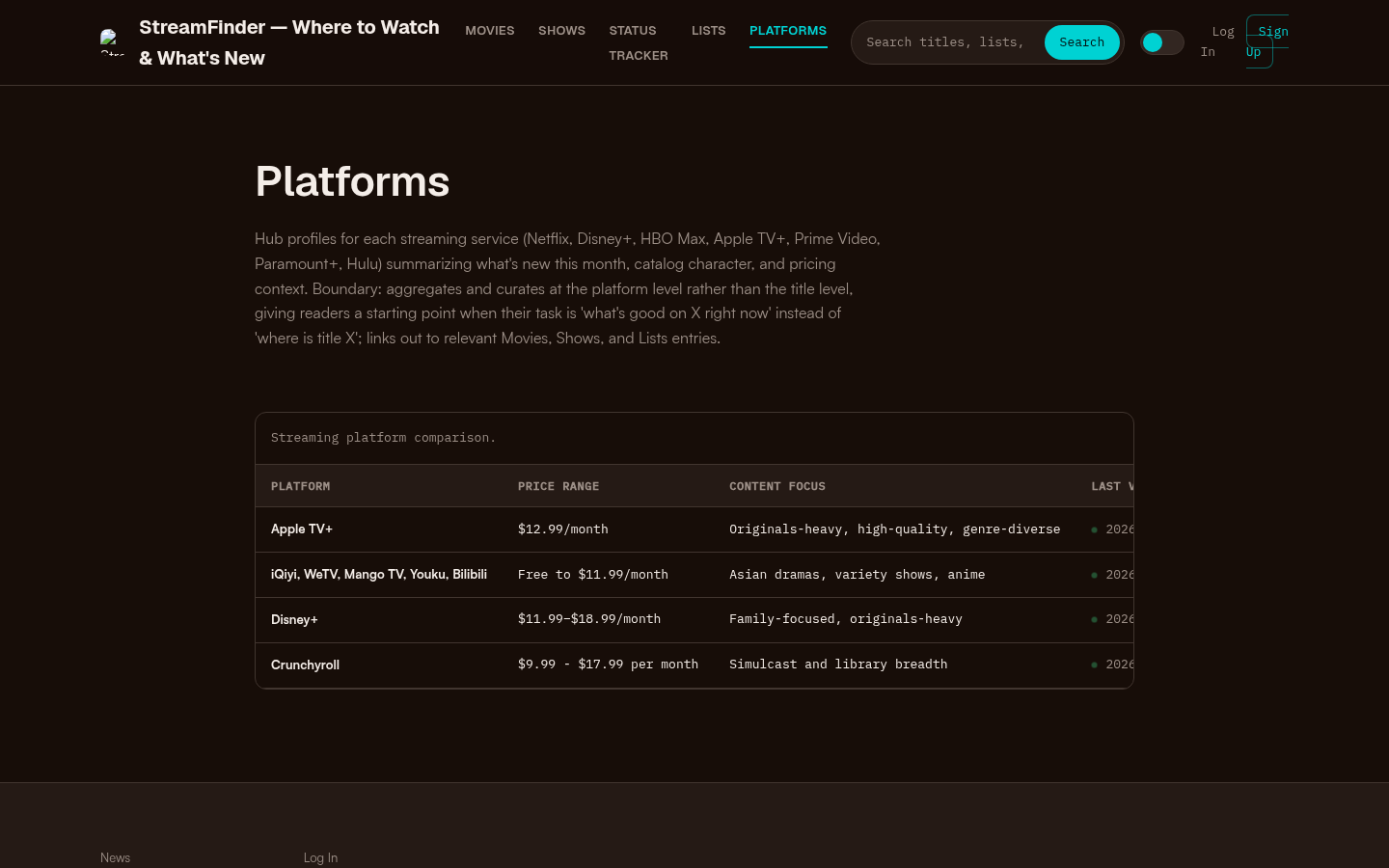
Platforms page with a streaming platform comparison table showing Apple TV+, iQiyi/WeTV/Mango TV/Youku/Bilibili, Disney+, and Crunchyroll with price ranges and content focus.
Local channels and regional sports networks: the part everyone underestimates
If you care about your local MLB, NBA, or NHL team's regular-season games, the deciding factor usually isn't the streaming service's brand — it's whether that service carries your region's RSN, and RSN ownership and carriage deals have been in flux for several years. The same streaming service can carry your team's RSN in one metro area and not carry it 50 miles away. Before subscribing to anything for local or regional sports, look up your specific address on the provider's channel lookup tool rather than relying on a general "channels included" list.
Matching the service to the fan
- Football-first fan who wants everything in one place: YouTube TV or Fubo, for the broadest single-bundle coverage of national and local NFL windows.
- Multi-league fan who watches a bit of everything: YouTube TV's full bundle or a Sling Orange + Blue combination, since both mix ESPN-family and broadcast-network sports.
- Budget-conscious viewer who wants one channel family: Sling Orange (ESPN-centric) or Sling Blue (broadcast-centric) alone, rather than a full bundle.
- Cord-cutter who mainly wants local channels: A live-TV bundle with strong broadcast-affiliate coverage in your ZIP code — verify local affiliate availability before signing up, since it varies by market.
- Single-league completionist: A standalone app matched to that league's exclusive rights holder — Apple TV for MLS, Paramount+ for Champions League, Peacock for select NFL/Premier League windows.
How to choose: a three-step check
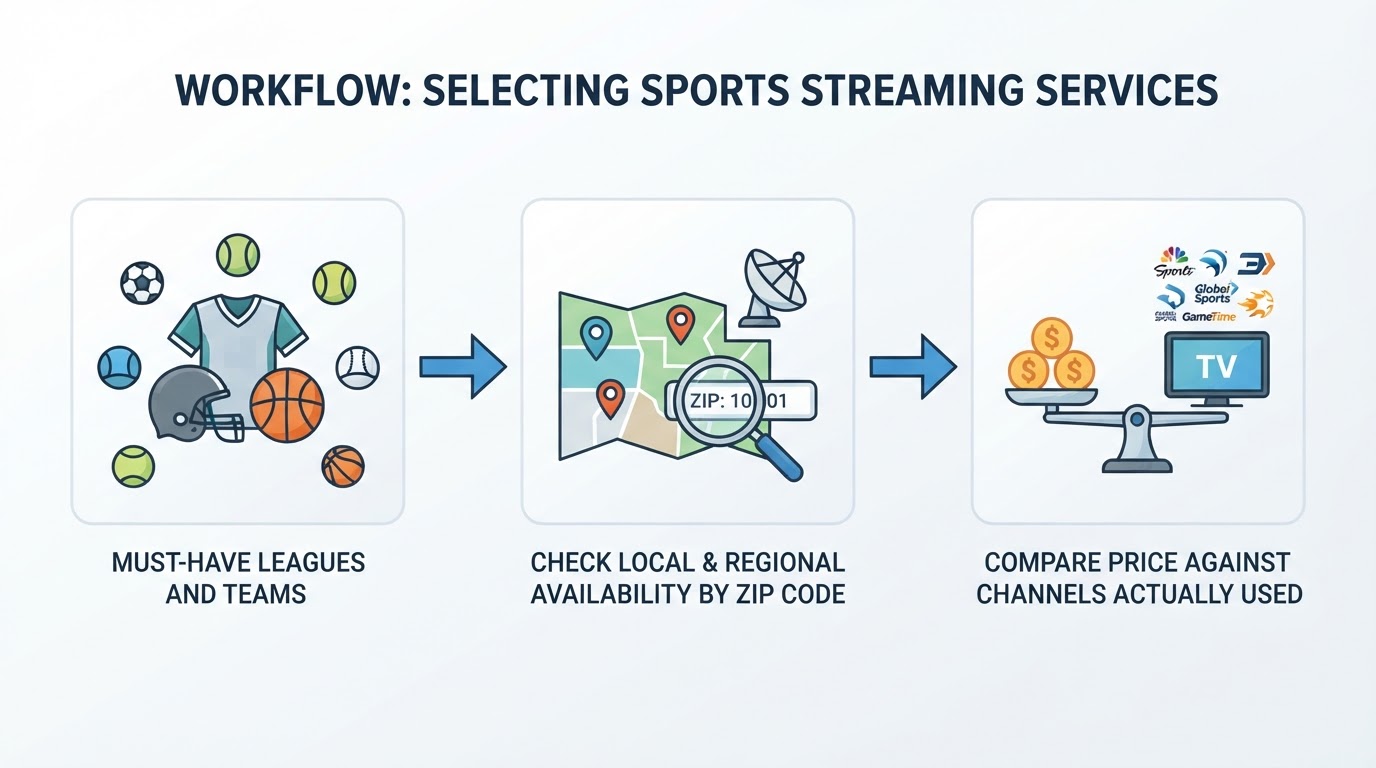
- List your must-have leagues and teams, not just "sports" broadly. A service that carries the NFL well can still miss your specific NHL team's RSN.
- Check local and regional availability for your actual ZIP code on each provider's site — this is the step most people skip and the one most likely to cause a post-signup surprise.
- Compare price against channels you'll actually use, not total channel count. A cheaper standalone app that covers your one league can beat an expensive bundle that includes 80 channels you'll never watch.
If you get through those three steps and two services still tie, pick the one with the better live-performance track record for the moments that matter most to you — multiview for a multi-game Sunday, or straightforward reliability for a single marquee event.
The bottom line
There's no single best streaming service for sports — there's a best fit for what you watch and where you live. Full bundles like YouTube TV and Fubo make sense when you want broad coverage and don't want to manage multiple subscriptions. Sling and the standalone league apps make sense when you know exactly which channels or leagues you need and want to stop paying for the rest. Whatever you land on, verify the current price and local channel availability directly with the provider before you commit, since both change more often than any list can keep up with.