Live Sports & Events
How to Stream World Cup 2026: Legal Watch Guide
- Date
- Not recorded
- Broadcast window
- Not recorded
- Platform
- Not recorded
- Region restriction
- No restriction noted
Last-verified date not yet recorded for this event.
How to Stream World Cup 2026: Legal Ways to Watch on TV, Phone, or Computer
The 2026 FIFA World Cup runs across the United States, Mexico, and Canada from June 11 to July 19, 2026. If you are searching for how to stream World Cup 2026, you do not need a pirate link or a mystery app. You need the right country rights package, the right language feed, and a device setup that will not drop at kickoff.
This guide shows the practical path: confirm your country, choose free broadcast vs paid streaming, set up Peacock/FOX (and other host-market options) correctly, and verify the match before you hit play. Rights packages differ by territory and can still get last-minute schedule notes, so treat this as a workflow—not a permanent channel map.
Step 1: Confirm your country, language, and match window
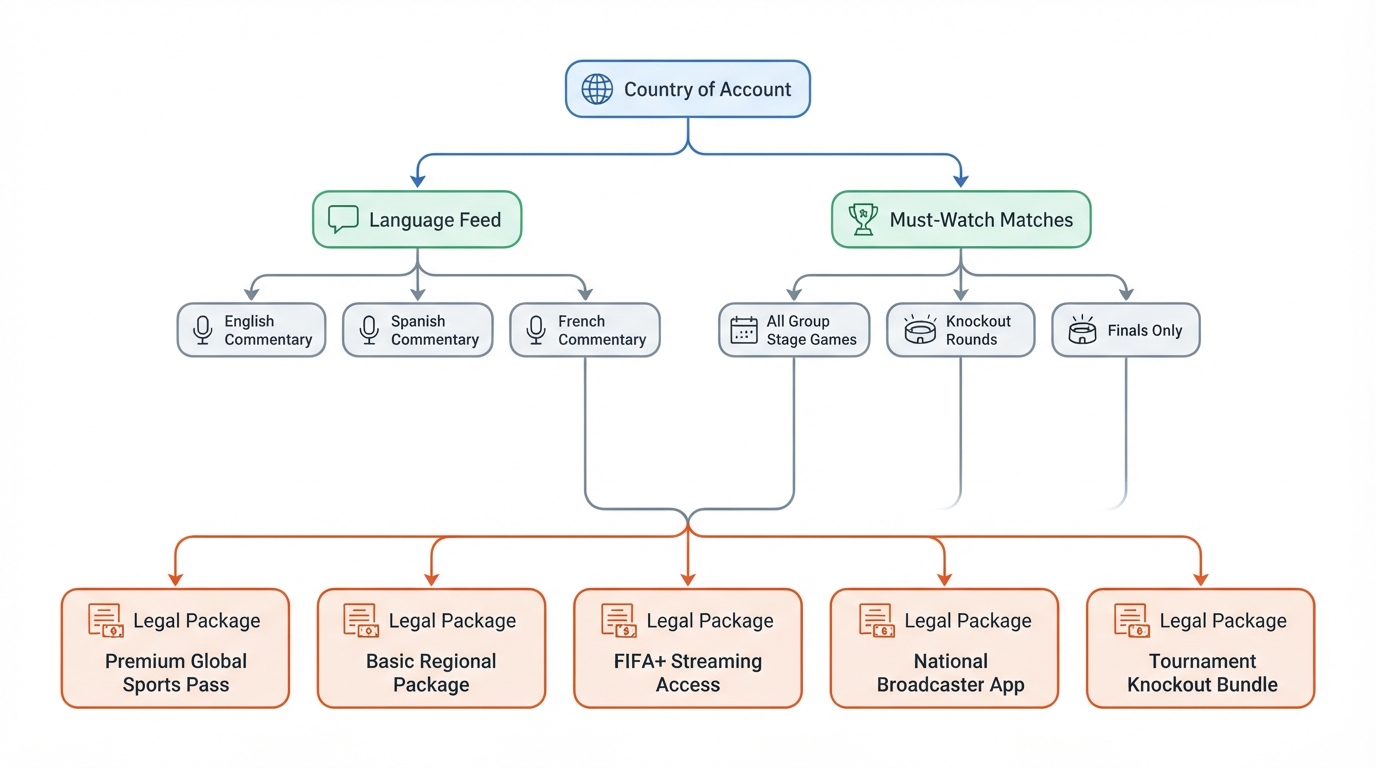
Streaming rights are sold by territory. A U.S. login will not automatically unlock Canadian or Mexican packages, and “free on TV” does not always mean “free on every app.”
Before you subscribe to anything, answer four questions:
- Where will you watch? United States, Canada, Mexico, or another country.
- Which language feed do you want? English, Spanish, French, or another local commentary track.
- Which matches matter most? Every game, only your national team, or only knockout rounds.
- How will you watch? Smart TV app, phone/tablet, laptop browser, or a streaming stick.
Write those answers down. They decide whether you need FOX/FS1 + Fox One, Telemundo/Universo + Peacock, Bell Media apps in Canada, Televisa/TV Azteca/ViX in Mexico, or a local broadcaster elsewhere.
Completion check: you can name your country + preferred language + primary device in one sentence.
Step 2: Know the main legal paths (host markets)
United States (English-language path)
According to the 2026 FIFA World Cup broadcasting rights summary, FIFA extended U.S. English-language coverage through Fox for the 2026 tournament. In practice, that means a split between linear TV and the streaming side of the Fox package:
- Fox is scheduled to air 69 matches.
- The remaining matches are scheduled on FS1.
- Fox’s coverage streams on its subscription service Fox One.
If your plan is “I want English commentary on a U.S. account,” start with the Fox stack (over-the-air/cable/satellite where available, plus Fox One for app/streaming access). A FOX Sports World Cup 2026 subscription question usually maps to whether you already get Fox/FS1 through live TV, or whether you need Fox One (or another live-TV bundle that includes those channels).
United States (Spanish-language path)
U.S. Spanish-language rights sit with Telemundo Deportes:
- 92 matches are scheduled on Telemundo.
- 12 more are scheduled on cable channel Universo.
- All 104 games stream on Peacock.
So if someone asks “Will Peacock stream World Cup 2026?” the accurate U.S. answer is: yes for the Spanish-rights package—Peacock is the full-tournament streaming home for all 104 matches in that NBCUniversal path, while Telemundo/Universo carry the linear Spanish TV split. Peacock is not a substitute for assuming every English Fox telecast is free inside Peacock.
During the tournament window, reporting also noted that some English-preferring viewers watched Spanish coverage because of presentation choices and because Peacock’s subscription price was lower than Fox One at the time of those reports. Use that only as a consumer tip: pick the language feed you actually want, then buy the matching package.
Canada
Canadian rights are with Bell Media:
- English: CTV (with streams on Crave) and TSN
- French: Noovo and RDS
- National audio streaming rights: TSN Radio
If you are in Canada, do not force a U.S. Peacock or Fox One login as your primary plan. Start with the Bell Media apps/channels you already pay for, then add only what your match list still misses.
Mexico
In Mexico:
- Televisa and TV Azteca each hold rights to the same set of 32 matches on free-to-air/linear TV.
- All 104 matches are available via streaming on a premium tier of Televisa’s ViX platform.
Mexican viewers should treat free TV as partial coverage and premium ViX (or other officially licensed local packages) as the full-tournament streaming path.
Outside the host countries
Everyone else must use the official broadcaster/streamer licensed in their country. FIFA sells rights territory by territory, so a VPN “trick” is not a reliable or legal plan for full-match streams. Search your country’s FIFA-listed rights holder, then use that company’s authenticated app.
Step 3: Choose free vs paid without getting stuck
“Where to watch World Cup 2026 for free” is a real question—and the honest answer is partially free, depending on market and match.
| Path | What you usually get | What you usually pay for |
|---|---|---|
| Free/over-the-air or basic linear TV | Selected matches on Fox, Telemundo, CTV, Televisa, TV Azteca, etc. | Antenna hardware or existing cable/satellite lineups |
| Broadcaster streaming apps | App access to the rights you already pay for | Subscription (Fox One, Peacock, Crave, ViX premium, live-TV bundles) |
| Full-tournament convenience | Every match on one login in a given language package | Higher monthly cost or a premium tier |
| Illegal streams | Unstable quality, malware, takedowns | Hidden cost: security risk + no consumer protection |
Practical rule:
- If you only care about a few big matches and already get Fox or Telemundo over the air, start free.
- If you want where to watch World Cup 2026 online for an entire group-stage day, budget for the streaming package that matches your language.
- If you need every knockout game on your phone at work and your TV at home, prioritize authenticated multi-device apps over hoping free TV covers the schedule.
Do not use unofficial “free World Cup streams” sites. They are unstable, often unsafe, and they are not a substitute for the legal packages above.
Step 4: Set up devices before match day
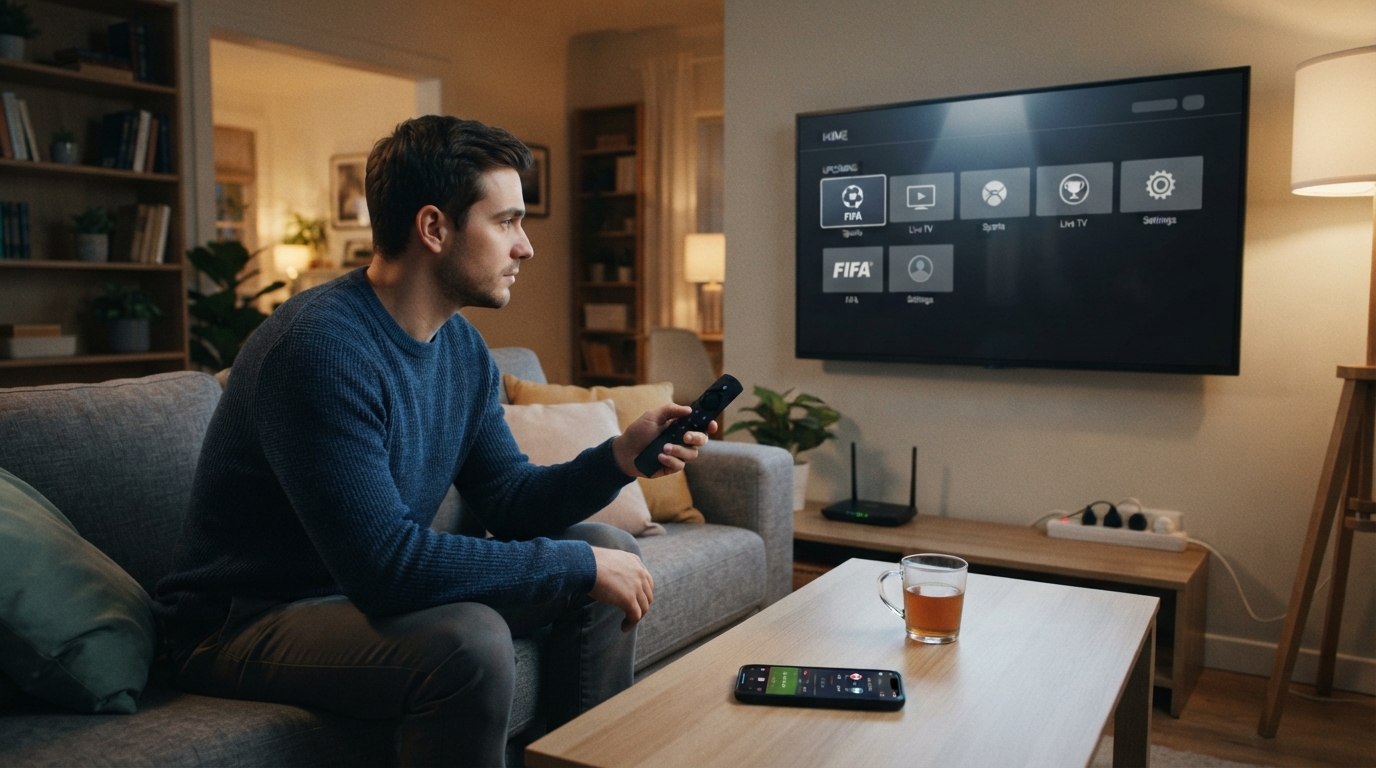
A legal stream still fails if the app is not installed, the login is on the wrong profile, or the TV is on the wrong input.
Recommended setup order
- Install the official apps on the device you will actually watch on (smart TV, Fire TV/Roku/Apple TV stick, phone, tablet, or laptop).
- Sign in with the account that owns the entitlement in your country.
- Test video playback with any live or VOD content from that same app at least one day early.
- Check simultaneous-stream limits if family members will watch in different rooms.
- Enable downloads only if the app allows match replay and you need offline viewing later; live matches still need a stable connection.
- Plug into power + reliable Wi‑Fi (or wired Ethernet for the living-room box). Live 4K/HD soccer is unforgiving on congested Wi‑Fi.
Common device paths
- TV: broadcaster app or streaming-stick app (Fox One, Peacock, Crave, ViX, TSN, etc.)
- Phone/tablet: same official app, signed into the same household account
- Computer: official website player from the rights holder, not a random embed
Completion check: you can open the correct app, stay signed in, and play a test video without an error code.
Step 5: Build a match-day checklist (so you do not miss kickoff)
Use this sequence for every important game:
- Confirm the local kickoff time and whether the match is on linear TV, streaming only, or both.
- Confirm the language feed (English Fox path vs Spanish Telemundo/Peacock path in the U.S., English/French splits in Canada, and so on).
- Open the app 15–20 minutes early for ads, soft blackouts, or forced updates.
- If the match is listed on both TV and an app, pick one path and stick to it so you are not juggling inputs at 0'.
- Keep a backup: second device signed in, or a second rights app if your household legitimately has both language packages.
- After the final whistle, note whether highlights/replays live in the same app or move to a free clip window later.
Quick U.S. decision shortcuts
- English commentary priority: Fox / FS1 / Fox One first.
- Spanish commentary or full 104-match streaming convenience on Peacock: Telemundo / Universo / Peacock path.
- Already pay for a live-TV bundle with Fox/FS1 or Telemundo: use that bundle’s apps before stacking another subscription.
- Only watching a handful of free-to-air games: antenna + official free app access may be enough.
Canada / Mexico shortcuts
- Canada English: CTV/Crave + TSN.
- Canada French: Noovo + RDS.
- Mexico selected free matches: Televisa and TV Azteca.
- Mexico full tournament stream: ViX premium tier.
Step 6: Avoid the usual traps
- Do not assume one global stream. “Where to watch World Cup 2026 online” always depends on the country of the account.
- Do not confuse Peacock availability with English Fox exclusivity. In the U.S. package described above, Peacock is the full-match Spanish-rights streaming home; Fox/FS1/Fox One carry the English path.
- Do not wait until kickoff to discover geo-errors. Test login and payment region early.
- Do not buy every sports add-on “just in case.” Map your must-watch matches first.
- Do not rely on illegal re-streams for “free” access. They break, buffer, and can compromise devices.
Optional helper for non-match content discovery
World Cup match rights live with the broadcasters above. If you also use multiple entertainment subscriptions for documentaries, highlight shows, or related series around the tournament, a discovery tool such as StreamFinder (on tonightwatch.com) can help you check where a title is available across platforms and browse monthly-refreshed editorial collections by genre or service. That is a supporting convenience for on-demand catalogs—not a replacement for official live World Cup rights apps.
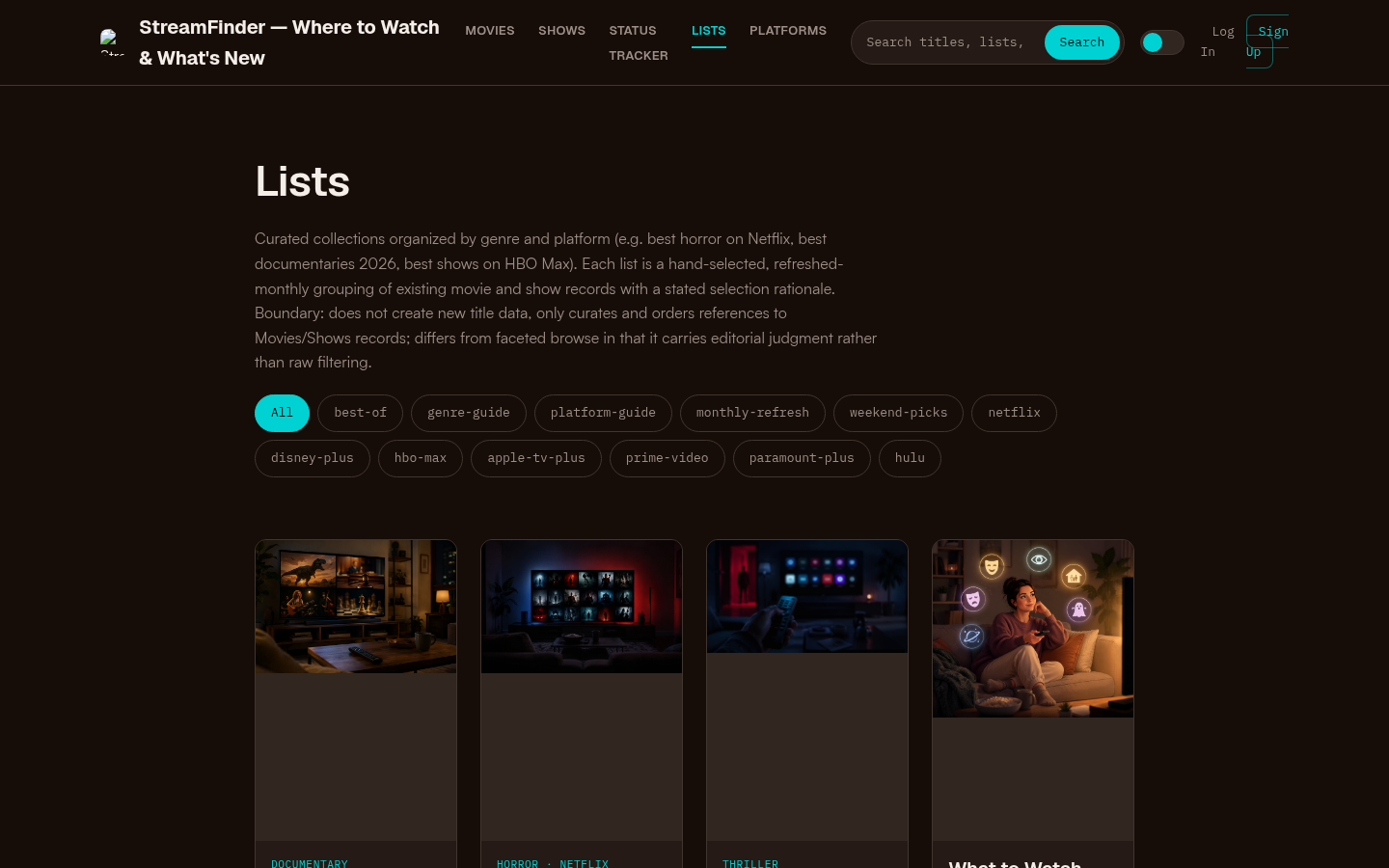
Curated collections page with tag filters (best-of, genre-guide, platform-guide, etc.) and article cards featuring documentary, horror, thriller, and weekend-pick lists.
Final workflow: from zero to ready in one evening
- Identify country + language + must-watch matches.
- Match that combination to the legal package (Fox/Fox One, Peacock/Telemundo, Bell Media, ViX, or local rights holder).
- Subscribe or confirm the channels you already have.
- Install apps on every device you will use.
- Run a playback test.
- Save kickoff times and open the app early on match day.
If you can complete those six steps, you already know how to stream World Cup 2026 legally on TV, phone, or computer—without gambling on a random free stream when the whistle blows.