
Best Free Streaming Services (2026): Tubi, Pluto TV & More
Compare the best free streaming services for movies, TV, and live channels. See Tubi, Pluto TV, Plex, and The Roku Channel—plus how free stacks up to paid apps.
Best Free Streaming Services in 2026: Legitimate Options Worth Installing
Paid catalogs still win for new releases and exclusives, but you do not need another full-price subscription to watch a lot of movies and TV. The best free streaming services today are legitimate, ad-supported platforms—often called FAST services—that fund themselves with commercials instead of a monthly fee.
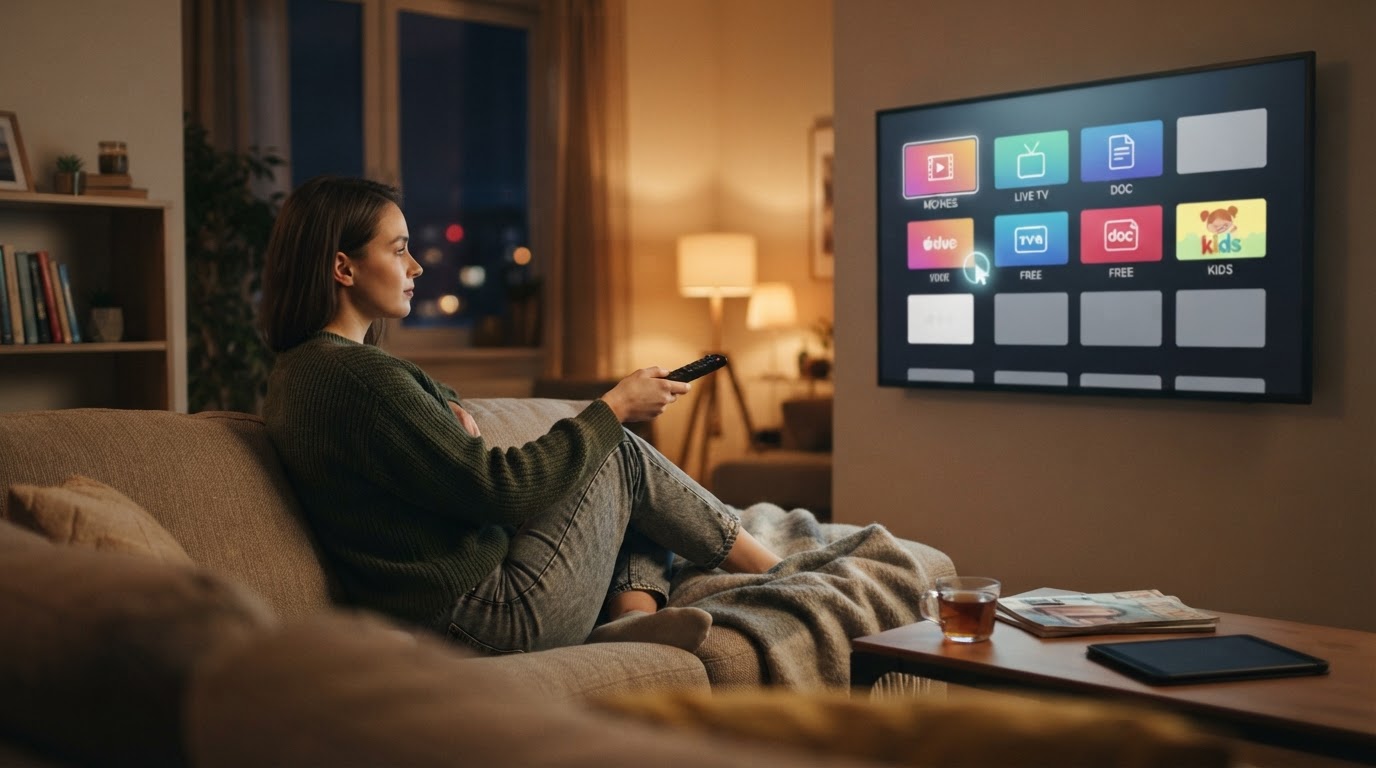
This guide ranks practical free options for movies, series, and live channels. It sticks to licensed services, skips pirate sites, and treats free trials of paid apps as temporary offers—not permanent free streaming.
What “free streaming” actually means
Before comparing apps, separate four things people often mix together:
| Type | What you get | Catch |
|---|---|---|
| Free ad-supported streaming (FAST/AVOD) | Ongoing free movies, shows, and/or live channels | Commercial breaks; library rotates |
| Freemium hub | A free tier plus optional paid add-ons | Free row is limited; paid shelves sit nearby |
| Free trial | Short access to a paid service | Ends unless you cancel or convert |
| Illegal stream sites | Unlicensed copies | Malware, scams, takedowns, legal risk |
Free ad-supported streaming television (FAST) is the useful category here: no subscription fee, funded by advertising, with linear “live” channels and/or on-demand titles. That is different from user-upload platforms and different from Netflix-style SVOD.
Rule of thumb: if a site promises every new theatrical release, zero ads, and no account forever, treat it as a red flag—not a free Netflix substitute.
Quick picks by use case
| If you want… | Start with | Why |
|---|---|---|
| Biggest free movie/TV on-demand library | Tubi | Deep on-demand catalog; live is secondary |
| Channel-surfing / “TV is always on” | Pluto TV | Linear channels first, then on-demand |
| Free live channels + on-demand in one app | Plex Watch Free | Large free library plus hundreds of free channels |
| Easy free shelf on a streaming stick | The Roku Channel | Built into the Roku ecosystem; free + storefront |
| Free movies without installing five apps | Use 2–3 of the above | Libraries overlap less than people expect |
How we ranked the best free streaming services
Each service below is scored on the same criteria:
- Ongoing free access (not a trial)
- Content mix — movies, TV, live channels, sports/news where relevant
- Ad experience and setup friction — signup, profile, kids options
- Device reach — phone, browser, smart TV, stick, console
- Trust — licensed distribution, clear owner, no piracy gray zone
No universal winner. The best free stack depends on whether you binge on-demand titles or leave a live channel running in the background.
1. Tubi — best free movie and series library
Tubi is a free, ad-supported streaming service owned by Fox Corporation. It is strongest as an on-demand destination: movies and series first, with live channels as a smaller slice of viewing.
Best for: people searching free sites like Netflix who mainly want a large catalog of films and TV to pick from a grid—not a guide of live channels.
What stands out
- Free with ads; registration is optional on many surfaces
- Large licensed library historically measured in tens of thousands of films and series
- Live and sports channels exist, but Tubi’s reputation is on-demand depth
- Broad device support via apps and the web where available
Watch-outs
- Ads fund the free tier; binge nights mean commercial breaks
- Availability is region-limited (strongest in North America and select other markets)
- Catalog quality varies by genre—great for deep catalogs and older hits, weaker as a same-day blockbuster store
Who should skip it: viewers who only want live news/sports channels and hate browsing a VOD grid.
2. Pluto TV — best free live-channel experience
Pluto TV is Paramount’s free ad-supported service and one of the earliest dedicated FAST platforms. It is built around digital linear channels that feel like traditional TV, with on-demand films and series layered on top.
Best for: cord-cutters who miss channel surfing, background TV, themed channels, and “something is always on.”
What stands out
- Free with ad breaks, similar to broadcast TV economics
- Large lineup of live-style channels, including brands tied to Paramount properties
- On-demand shelf for when you want to choose a title instead of joining mid-show
- Apps across phones, smart TVs, streaming sticks, and consoles in supported regions
Watch-outs
- Live channels mean you often join a program in progress unless you switch to on-demand
- Ad load can feel heavier during live channel viewing
- Library strengths skew toward the parent company’s brands and partner FAST feeds
Who should skip it: people who only want a Netflix-like continuum of full seasons with no linear schedule.
3. Plex Watch Free — best free combo of on-demand + live TV
Plex’s free Watch Free experience positions free movies, shows, and live TV as a no-subscription tier: Plex states you can stream tens of thousands of on-demand titles and access hundreds of free live channels, with no credit card required.
Best for: households that want one free app for both “pick a movie” and “put on a channel,” especially across many device types.
What stands out
- Free on-demand catalog marketed at 50K+ titles
- 600+ free live channels called out for anytime viewing
- Free account keeps progress in sync across screens
- Wide device coverage: phones, tablets, smart TVs, consoles, and PCs
Watch-outs
- Plex is also a personal-media product; free streaming sits beside other Plex features—stay on the free Watch Free surfaces if you only want AVOD
- As with every FAST service, titles rotate and ad load varies by show and region
- Worldwide availability claims still depend on local licensing for specific titles
Who should skip it: users who already run Tubi + Pluto and do not want another free app with overlapping ads.
4. The Roku Channel — best free option if you already own Roku
The Roku Channel is the free/ad-supported hub inside the Roku ecosystem. Industry summaries of FAST regularly place it among the major U.S. free services alongside Tubi and Pluto TV, especially for viewers who already use a Roku device as their home screen.
Best for: Roku households that want free movies/TV without hunting third-party apps first.
What stands out
- Free ad-supported rows plus a broader Roku content storefront nearby
- Convenient default placement on Roku hardware
- Mix of free movies, series, and live channels depending on market and lineup updates
Watch-outs
- Best experience is on Roku devices; other platforms may feel secondary
- Free content sits next to paid rentals/subscriptions—filter carefully so “free” stays free
- Lineups change; treat featured rows as temporary, not a permanent archive
Who should skip it: non-Roku homes that already prefer Tubi/Pluto/Plex apps on Fire TV, Google TV, or smart TVs.
5. Other legitimate free options worth knowing
Not every free service needs a full install day-one, but these round out a realistic free stack:
- Samsung TV Plus, LG Channels, Vizio WatchFree+, and similar OEM channels — free linear TV baked into many smart TVs. Ideal when you want channels without another app download.
- Free shelves inside larger apps — some paid ecosystems still expose free ad-supported movies or channels. Amazon’s former standalone Freevee service was folded into Prime Video’s free ad-supported area, with standalone Freevee apps discontinued. If you still see “Freevee” branding in guides, check the current free row inside Prime Video rather than hunting a separate app.
- Library/licensed public services — in some regions, public broadcaster apps or library-card services add free legal viewing. They are not FAST clones, but they are legitimate.
Avoid “free movie sites” that only host scraped embeds, aggressive download buttons, or every premium exclusive online the same week it hits theaters.
Free streaming services vs paid Netflix-like options
A free Netflix substitute is realistic for volume and discovery. It is not realistic for same-day prestige exclusives with zero ads.
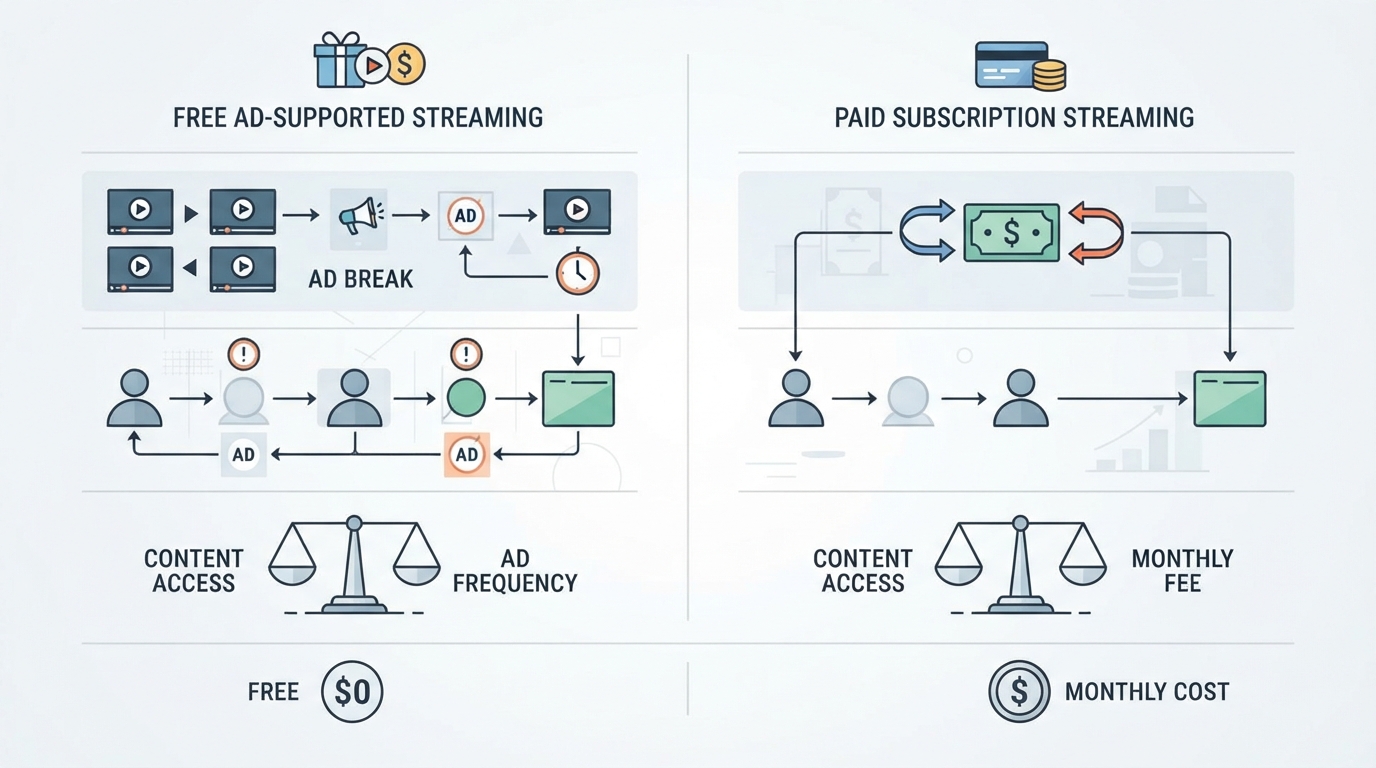
| Factor | Best free services | Paid SVOD (e.g., Netflix-like) |
|---|---|---|
| Price | $0 ongoing | Monthly fee |
| Ads | Expected | Often ad-free or lighter on higher tiers |
| New exclusives | Limited / delayed | Core value |
| Live channels | Strong on Pluto, Plex, OEM FAST | Usually weak or separate add-on |
| Catalog style | Rotating licensed + archival | Curated originals + licensed hits |
| Best use | Background TV, catalog browsing, budget months | Appointment viewing and franchise continuity |
Practical stack many households use: keep one paid service for the shows you refuse to miss, then fill the rest of the week with Tubi/Pluto/Plex-style free apps. That combination usually beats paying for four subscriptions you barely open.
Ads, accounts, and devices: what to expect
Ads. Free means someone else is paying. Live channels often feel closer to cable ad patterns; on-demand titles may place breaks at chapter-like intervals. If ads are a hard no, free FAST is the wrong category—look at paid ad-free tiers instead of pirate streams.
Accounts. Many services let you browse with little or no signup, then nudge you to create a free profile for watchlist, progress, and personalized rows. Plex explicitly ties cross-device continue-watching to a free signed-in account.
Devices. Prioritize services with apps on the screen you actually use:
- Smart TV / stick home screens → OEM channels, Roku Channel, Pluto, Tubi, Plex
- Phone and tablet → Tubi, Pluto, Plex
- Mixed household → install the same 2–3 free apps everywhere rather than ten single-purpose clients
Kids and shared TVs. Prefer services with clear profiles or kids rows when available, and remember live channels can surface unexpected titles—on-demand kids collections are usually safer for younger viewers.
How to choose without installing everything
Use this short decision path:
- Primary habit: on-demand browsing → Tubi; live channels → Pluto TV; both → Plex Watch Free.
- Main screen: Roku-heavy home → add The Roku Channel; Samsung/LG/Vizio → try the built-in free channel app first.
- Hard constraints: no account → start with services that allow guest browsing; low storage on a TV → prefer built-in OEM channels.
- Content check: search two titles you actually want tonight. If both free apps miss them, a paid rental or one targeted subscription may still be cheaper than a random fourth free app.
- Legitimacy check: official site/app store listing, recognizable owner, and no demand for strange browser extensions.
If your goal is simply “where can I watch this for free right now,” a streaming availability lookup can save more time than installing every free app. StreamFinder (the product behind tonightwatch.com) is built for multi-service viewers who need where-to-watch style answers across major platforms; this article is published by StreamFinder. StreamFinder is a concrete poor fit if you only want one free app’s built-in search and have no need for cross-platform availability checks or renewal status. For pure free playback, Tubi, Pluto TV, Plex, and The Roku Channel remain the direct players.
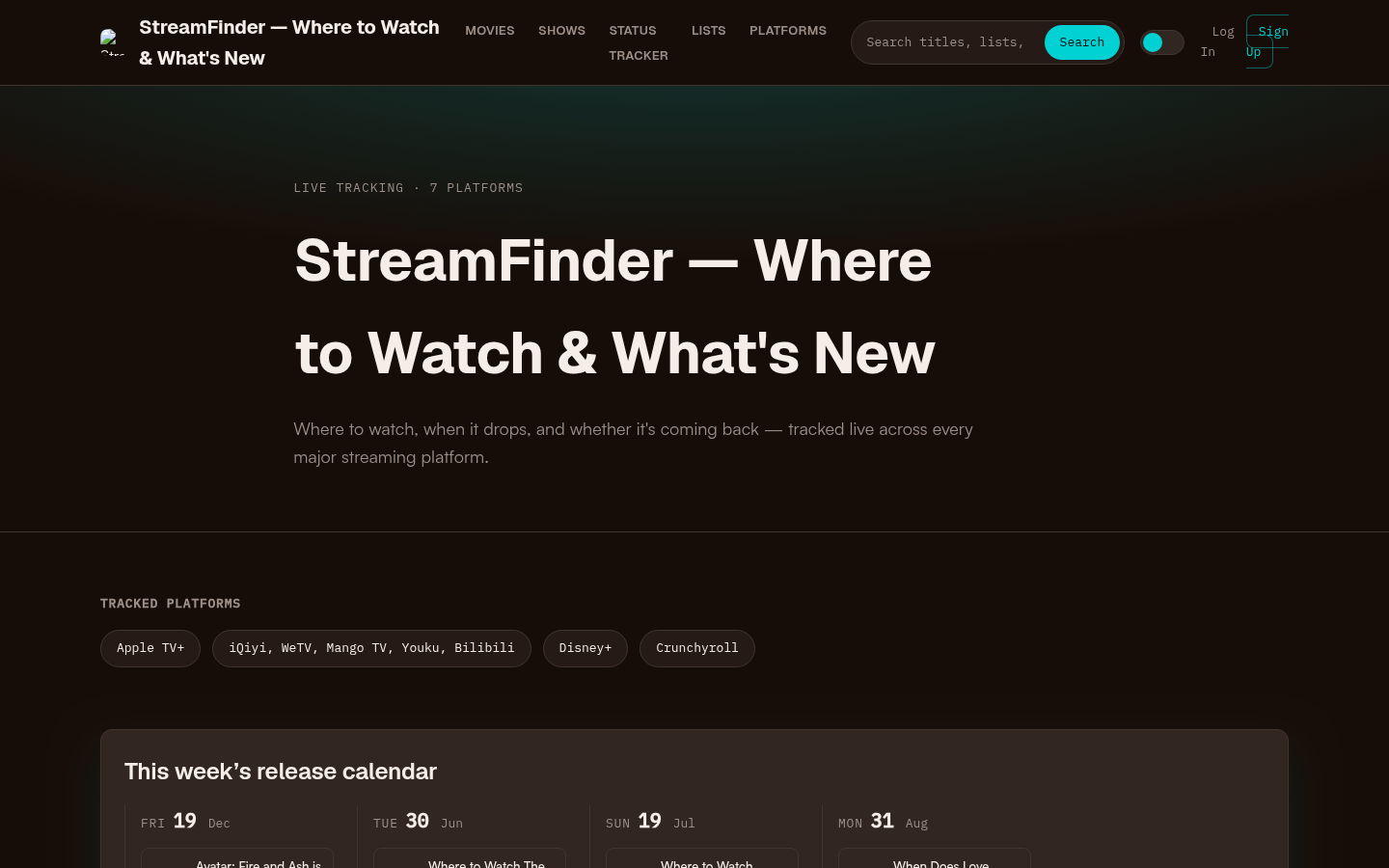
Homepage first screen showing hero section with tagline, tracked platforms (Apple TV+, Disney+, Crunchyroll, etc.), this week's release calendar, trending now section, and recent s
Recommended free setups
Movies-first household
- Tubi as the default free movie app
- Plex Watch Free as backup on-demand + live
- Skip extra OEM apps unless the smart TV already surfaces them
Live-TV / background TV household
- Pluto TV on the living-room device
- OEM free channels (Samsung TV Plus / LG Channels / similar) as a no-install fallback
- Tubi for nights when someone wants to pick a specific film
Budget cord-cutters comparing free sites like Netflix
- Tubi + Pluto TV covers most “free Netflix-like” searches without illegal streams
- Add Plex if you want more live channels in the same free account
- Keep one paid service only for must-watch exclusives
No-account / guest mode nights
- Start on services that allow browsing before signup
- Create a free profile later only if you need continue watching
Final take
The best free streaming services in 2026 are not mysterious underground sites. They are licensed, ad-supported platforms—Tubi for on-demand depth, Pluto TV for live channels, Plex Watch Free for a combined free shelf, and The Roku Channel for Roku-centric homes—plus the free channel apps already sitting on many smart TVs.
Install two services that match how you watch, confirm the titles you care about are actually free in your region, and ignore anything that only works by dodging licenses. That approach gets you a real free stack without the malware lottery.
Some links to streaming services are affiliate links; we may earn a commission if you sign up through them. See Methodology & Trust for our full disclosure policy.