
Top Free Streaming Apps: Best No-Subscription Picks by Device
Compare the top free streaming apps for movies, shows, and live TV. Use a simple framework to choose on-demand vs live options for phone and smart TV.
Top Free Streaming Apps: How to Pick the Best Options Without a Subscription
Looking for the top free streaming apps usually means one thing: watch movies, shows, and live channels without adding another paid plan. The best free streaming setup is rarely one app. It is a small stack of ad-supported services chosen for the kind of watching you actually do—on-demand nights, background live TV, kids content, sports highlights, or smart-TV couch viewing.
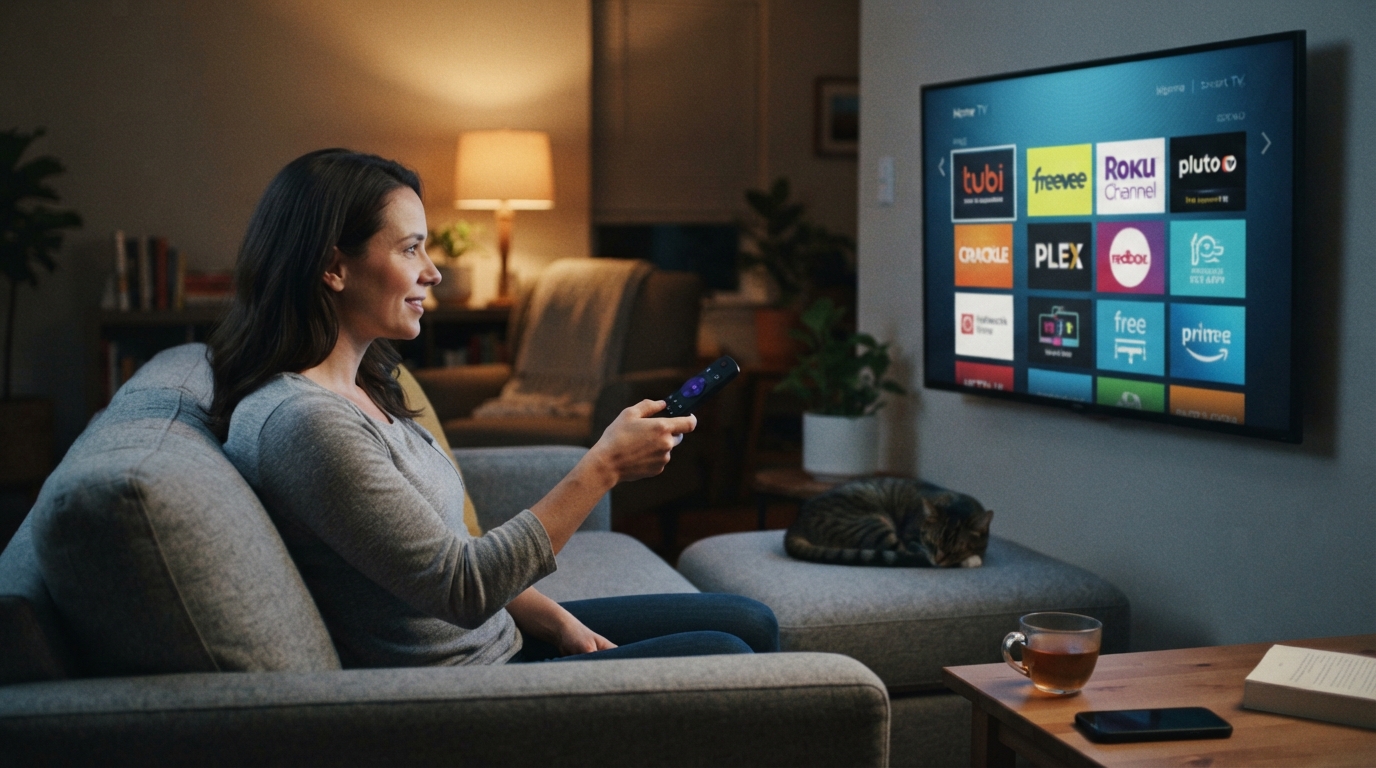
This guide is a practical buyer-style shortlist for cord-cutters and budget viewers. It covers how free apps work, the decision criteria that matter more than brand logos, the difference between free live TV and free on-demand libraries, and a clear way to choose apps for phone versus smart TV. Catalogs, channel lineups, and device availability change by country and over time, so treat every app pick as a starting point and confirm the title or channel inside the app before you plan a watch night around it.
What “free streaming apps” actually include
Most of the best free streaming options fall into the ad-supported video on demand (AVOD) and free ad-supported streaming TV (FAST) categories:
- On-demand free apps let you browse and start movies or series when you want, with ads inserted before or during playback.
- Free live TV / FAST apps organize channels into a live guide. You tune in rather than pick a single title from a library shelf.
- Hybrid apps combine both: a live guide plus an on-demand catalog under the same login or guest session.
Free almost always means you pay with attention. Ads fund the catalog. Some apps also offer optional paid tiers, rentals, or add-ons, but those are extras—not the core free experience this article is ranking against.
What free apps are not:
- Not a substitute for every exclusive on a paid subscription service
- Not permission to use unofficial “free movie” sites or cracked APKs
- Not identical worldwide; rights windows and live channels vary by region
If a site or sideloaded app promises “all the latest releases free with no ads,” treat that as a red flag. Stick to recognizable storefront apps from major app stores, smart-TV app galleries, and the official websites of known media brands.
Decision framework: choose free apps by job, not hype
Use the same five checks for every app on a list of free streaming apps. Score each option quickly, then keep only the ones that win a real job in your household.
| Criterion | What to check | Why it matters |
|---|---|---|
| Watch job | Movies, binge series, live news, sports-adjacent channels, kids, background TV | One app rarely wins every job |
| Library shape | Deep on-demand shelves vs. rotating live channels | On-demand is better for planned nights; live is better for “something is always on” |
| Ads tolerance | Frequency and whether you can skip or only wait | Ad load is the real price of free |
| Device fit | Phone, tablet, smart TV, streaming stick, game console, web | A great phone app is useless if the living-room app is weak |
| Household fit | Profiles, kids section, downloads, offline needs, multiple simultaneous screens if offered | Free apps differ widely on family features |
A simple completion standard
Your free stack is “done” when:
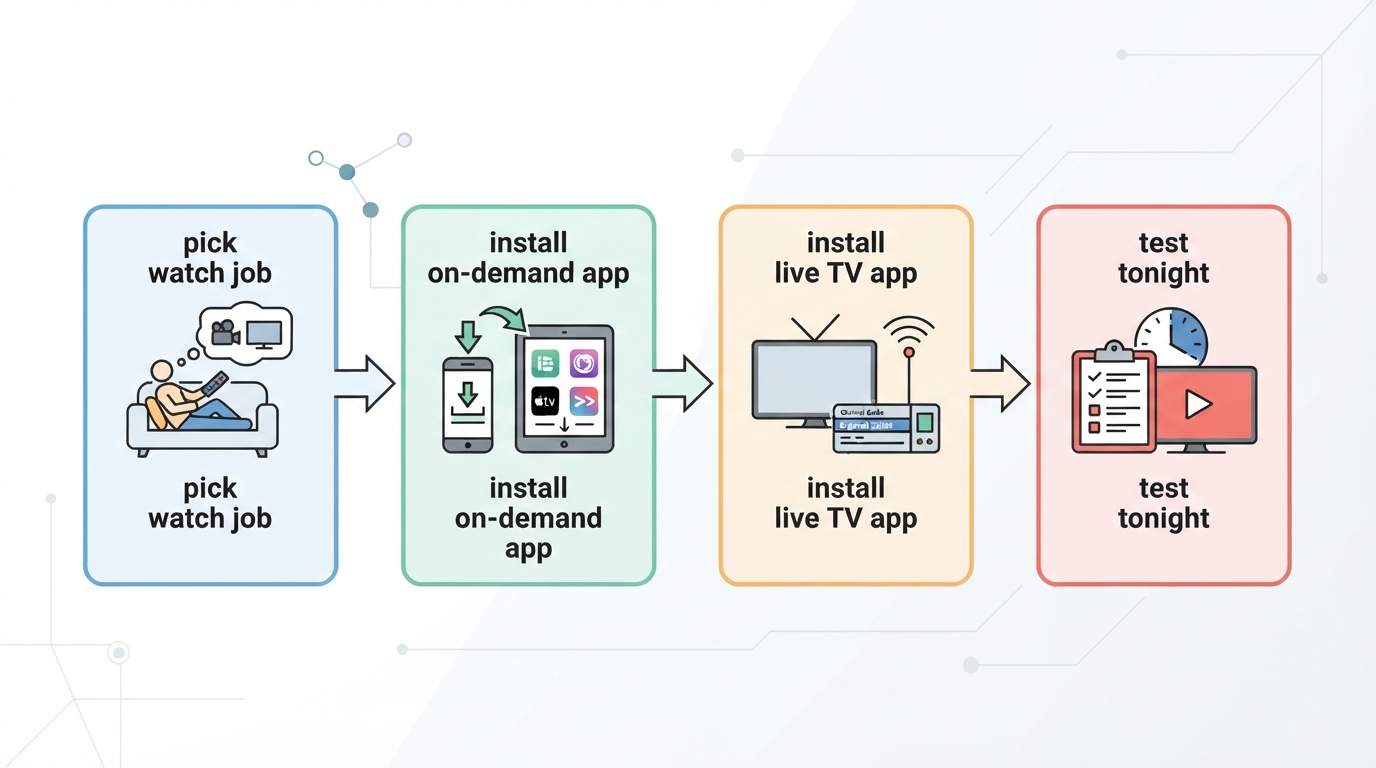
- You can start a movie or episode tonight without opening a paid app.
- You have at least one live-channel option for background or channel-surfing.
- Every app in the stack is installed on the device where you actually watch.
- You know which app is first choice for movies, which is first for live TV, and which is backup.
If an app does not win one of those slots, delete it. More free apps usually means more browsing, not better watching.
Live TV vs on-demand: pick the right free format
Free on-demand apps
Choose on-demand-first apps when the goal is a specific movie night, a short series, or browsing by genre. Strengths usually include searchable catalogs, themed collections, and the ability to pause and resume a title. Trade-off: popular licensed titles rotate in and out, so a film available this month may leave later.
Free live TV apps
Choose live/FAST apps when someone wants the cable-like feeling of a guide, news in the morning, or ambient TV while cooking or working. Strengths usually include always-on channels and low decision friction. Trade-off: you watch on the channel’s schedule unless the app also keeps a catch-up or on-demand shelf.
Hybrid is often the best household default
Many modern free services blend both. For most people, the strongest free setup is:
- 1–2 on-demand heavy apps for movies and shows
- 1 live-channel app for news, comfort channels, and background viewing
- Optional niche app only if the household has a repeated need (kids, anime, classic TV, local interest)
That three-slot model beats installing every free icon in the app store.
Top free streaming apps to evaluate first
Below is a practical evaluation list, not a forever ranking. Names are common legitimate free or freemium destinations viewers compare in the U.S. and other major app stores. Features and catalogs change, so verify inside the current app build for your country.
1) Tubi — best first stop for free movies and series browsing
Best for: on-demand movie nights and broad genre browsing Watch mode: primarily on-demand catalog with ad breaks Why it earns a slot: Tubi is one of the most recognizable free movie-and-TV destinations. It tends to work well as the “open this first when you want a title, not a channel.” Watch-outs: Ad load is part of the deal; exact titles and live features vary by region and over time. Device note: Prioritize it if your household’s main habit is searching for a film on the TV or phone rather than flipping channels.
2) Pluto TV — best for free live channels with on-demand backup
Best for: channel surfing, themed live channels, background TV Watch mode: live guide first, often with on-demand shelves Why it earns a slot: Pluto TV is a standard answer when someone wants free live TV without a cable login. It fits the “something is always on” job better than a pure library app. Watch-outs: Live schedules mean less control than picking a single episode from a shelf. Device note: Especially useful on smart TVs and streaming sticks where a guide-style interface feels natural.
3) Free ad-supported Amazon viewing (Amazon Freevee / Free with Ads destinations) — best if the household already uses Amazon devices
Best for: free movies/shows inside an Amazon living-room setup Watch mode: free ad-supported on-demand titles, sometimes alongside other Amazon video entry points Why it earns a slot: If Fire TV hardware or an Amazon account is already central, free ad-supported Amazon viewing reduces app-switching. Watch-outs: The product naming and storefront placement have shifted over time; look for free-with-ads rows rather than assuming every Amazon title is free. Device note: Strongest when Fire TV, Echo Show, or other Amazon video surfaces are already in the home.
4) The Roku Channel — best free hub for Roku-centric living rooms
Best for: Roku users who want free movies, shows, and live channels in one place Watch mode: hybrid free catalog plus live channels Why it earns a slot: On Roku hardware, the built-in free channel is often the path of least friction. Watch-outs: Value is highest on Roku devices; other platforms may feel secondary. Device note: Make this a default check on Roku TVs and sticks before adding duplicate free apps.
5) Plex free free-to-me streaming — best when you want free live/on-demand plus a media organizer option
Best for: free live channels and on-demand free shelves, especially if you already like Plex’s interface Watch mode: free ad-supported discovery layered on a broader Plex product Why it earns a slot: Plex is useful when a household wants free streaming discovery without giving up a familiar media app pattern. Watch-outs: Plex also serves personal media library use cases; keep free streaming expectations separate from self-hosted library features. Device note: Check phone and TV apps separately—navigation quality can differ by device class.
6) YouTube (free tier) — best free app for clips, live streams, and some full-length free content
Best for: free live channels/creators, music-adjacent watching, how-to, sports highlights, and occasional free full titles or free movies rows where offered Watch mode: free with ads; not a traditional MVPD substitute Why it earns a slot: Almost every phone and smart TV already has it, so it fills gaps other free apps miss. Watch-outs: It is not primarily a licensed movie locker in the same way dedicated free movie apps are. Device note: Excellent on phones; on TV, use it for live/creator content more than as your only movie app.
7) Free ad-supported apps from major media brands (examples viewers often compare)
Depending on region and storefront, households also evaluate free apps or free tiers associated with large media brands and virtual MVPDs’ free surfaces—for example free channel apps, free ad-supported rows inside bigger ecosystems, or brand-owned free services. Use them as niche or backup slots, not automatic installs:
- Choose a brand free app when it repeatedly has the one channel genre you care about.
- Skip it when it duplicates a weaker version of Pluto-style live TV or Tubi-style on-demand you already use.
Free streaming services for phone vs smart TV
The same app can feel excellent on a phone and awkward on a TV remote. Optimize by screen.
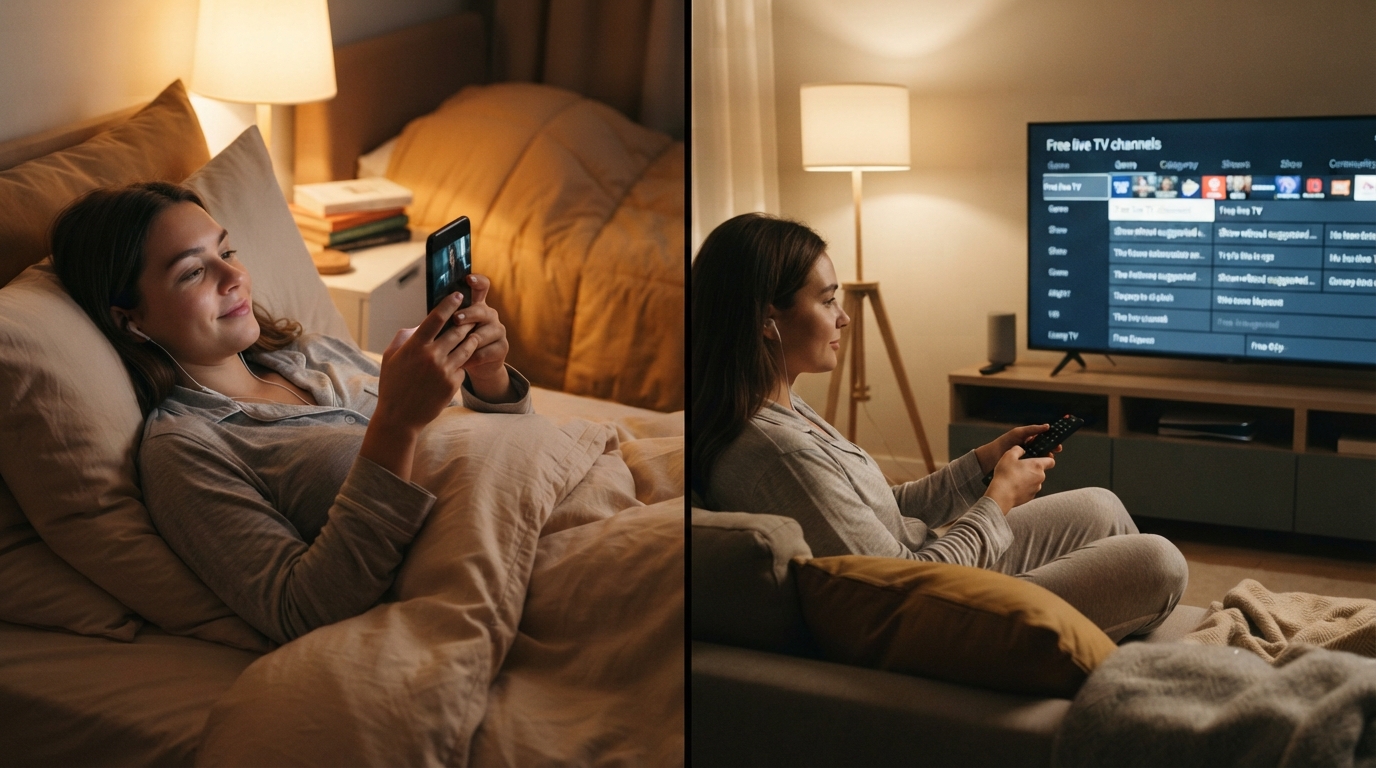
Free streaming services for phone
Phone-first needs:
- Fast search and continue-watching
- Stable mobile data behavior and reasonable ad playback
- Simple profiles or at least a clear kids area if children borrow the phone
- Chromecast/AirPlay support if you start on phones and finish on TV
Good phone strategy:
- Install one on-demand free app for commute/bedtime watching.
- Keep YouTube for live and short-form.
- Only add a live-TV free app if you actually channel-surf on a phone—many people do not.
List of free streaming apps for TV / free streaming services for smart TV
TV-first needs:
- Remote-friendly navigation
- A usable live guide if you want free live TV
- Reliable 1080p (or better) streams on home Wi-Fi
- Easy switching between apps on the home screen
Good TV strategy:
- Put the household’s primary free movie app and primary free live app on the first home-screen row.
- Prefer apps with strong smart-TV or stick clients (Roku, Fire TV, Google TV, Samsung/LG app stores, Apple TV app store—availability varies).
- Avoid clutter: more than three free apps on the TV row usually slows decision-making.
Free streaming apps for live TV on the big screen
If live TV is the main job, prioritize apps with a real channel guide over apps that only bury a few livestreams in a homepage row. Test three things on the TV the same evening you install:
- Can you open a news or entertainment channel in under 30 seconds?
- Does the guide recover cleanly after an ad break?
- Is audio/video stable for 15+ minutes?
If any answer is no, that app should not own the live-TV slot.
How to choose the best free app for movies, shows, or live channels
Use this scenario map instead of chasing a universal winner.
If the job is free movies tonight
- Start with a broad on-demand free app (Tubi-style catalog browsing).
- If you are on Roku or Amazon hardware, check the platform’s free channel/row next.
- Search the exact title before you settle in; free rights windows move.
If the job is free shows / comfort series
- Prefer apps with strong series shelves and continue-watching behavior.
- Save live/FAST apps for syndication-style channels when you want passive watching rather than episode control.
If the job is free live TV
- Choose a FAST/live-guide app first (Pluto-style).
- Add a second live source only if it covers a missing genre (news, sports talk, classic TV, local interest where available).
If the job is one free stack for the whole household
Recommended default build:
- On-demand anchor: Tubi or the strongest free movie app available on your TV platform
- Live anchor: Pluto TV or your device’s best free live guide
- Platform native free hub: The Roku Channel on Roku, or Amazon free-with-ads surfaces on Fire TV
- Universal backup: YouTube free tier
That is enough for most homes. Everything else must justify a repeated weekly use case.
Legal, quality, and expectation checks before you install
Keep the free stack clean:
- Install from official app stores and platform galleries only.
- Avoid sites that market pirated libraries or “free premium” unlocks.
- Expect ads; if zero ads is the requirement, free AVOD/FAST is the wrong category.
- Expect rotation; free catalogs are living inventories, not ownership.
- Expect region locks; travel and DNS tricks are outside the scope of a legitimate free-app setup.
Paid subscription services can still make sense for specific exclusives, ad-free watching, or sports packages. They are not the subject of this list and should not crowd out free apps when the stated goal is no new subscription.
A 20-minute setup plan that actually sticks
- Write the household jobs on a note: movies, live background, kids, phone commute.
- Install at most three free apps that map to those jobs on the main TV.
- Run one title test and one live-channel test tonight.
- Delete anything you did not open during the test week.
- Revisit quarterly, because free catalogs and device apps change.
Quick comparison snapshot
| App direction | Primary strength | Best device context | Choose it when... |
|---|---|---|---|
| Tubi-style on-demand | Free movies/series browsing | Phone + TV | You want a title now |
| Pluto-style live | Free live channels | Smart TV / stick | You want a guide and ambient TV |
| Amazon free-with-ads | Free titles in Amazon ecosystems | Fire TV households | Amazon hardware is already central |
| The Roku Channel | Free hub on Roku | Roku TV/stick | You want fewer extra installs |
| Plex free surfaces | Free live/on-demand discovery | Mixed devices | You already like the Plex workflow |
| YouTube free | Live/creators + flexible free video | Every phone and most TVs | You need the universal backup |
Bottom line
The top free streaming apps are the ones that win a real job with acceptable ads and solid device support—not the longest install list. Build a small free stack around one on-demand app, one live-TV app, and one platform-native free hub, then stop. Confirm titles and channels in your country before you count on them, stay inside official apps, and let paid services stay optional extras rather than the default.
If a free app does not earn a weekly open, it is not part of your top list—no matter how often it appears in someone else’s roundup.
Some links to streaming services are affiliate links; we may earn a commission if you sign up through them. See Methodology & Trust for our full disclosure policy.